
Sister Joy
@anafricandiva
I really love the emails Penzu sends me about my past journal entries. It's so good to see where I was then and where I am now.
Journaling is life-saving.


Unlike other journaling platforms, you can write as much and as often as you like, all for free.
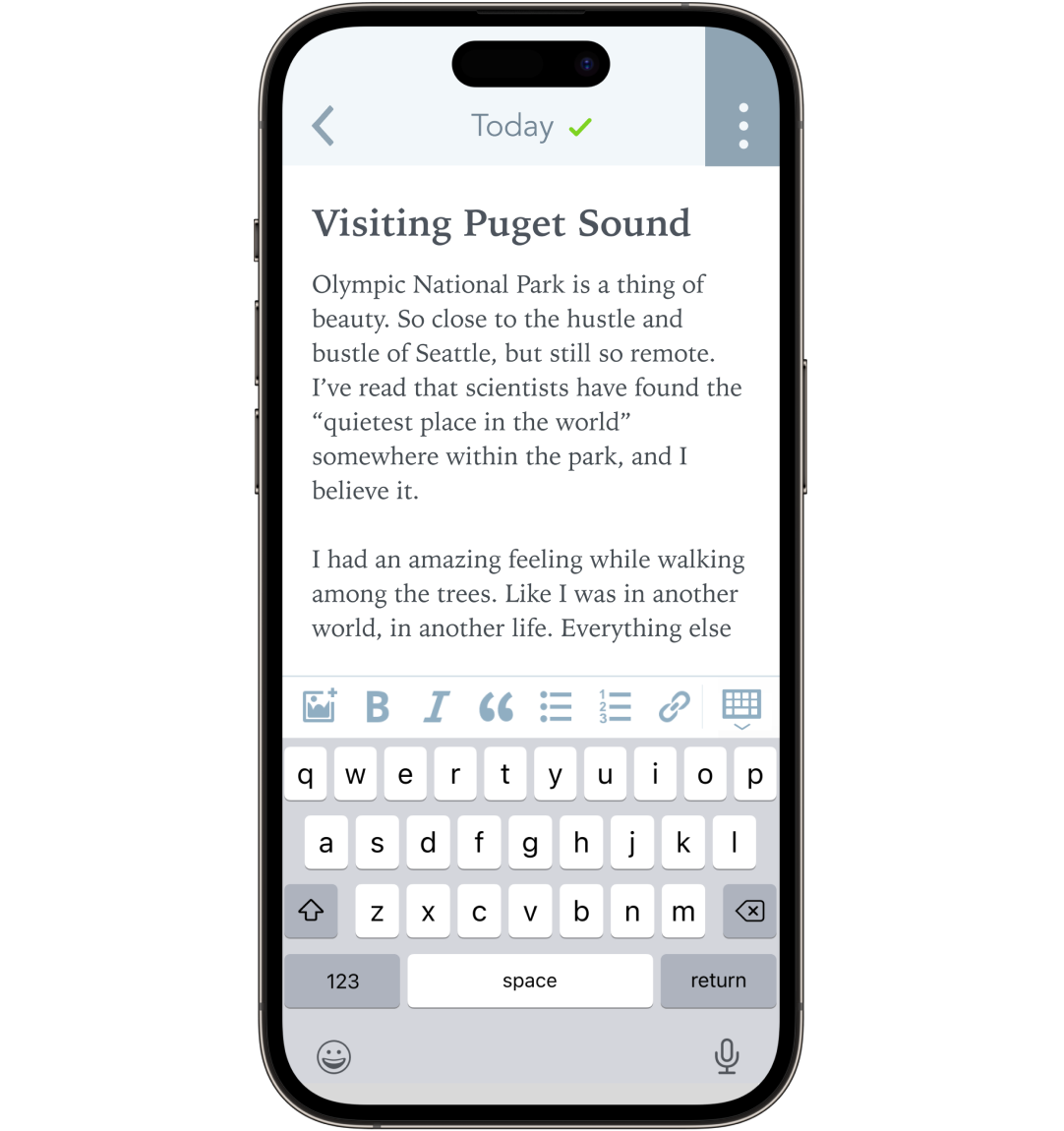
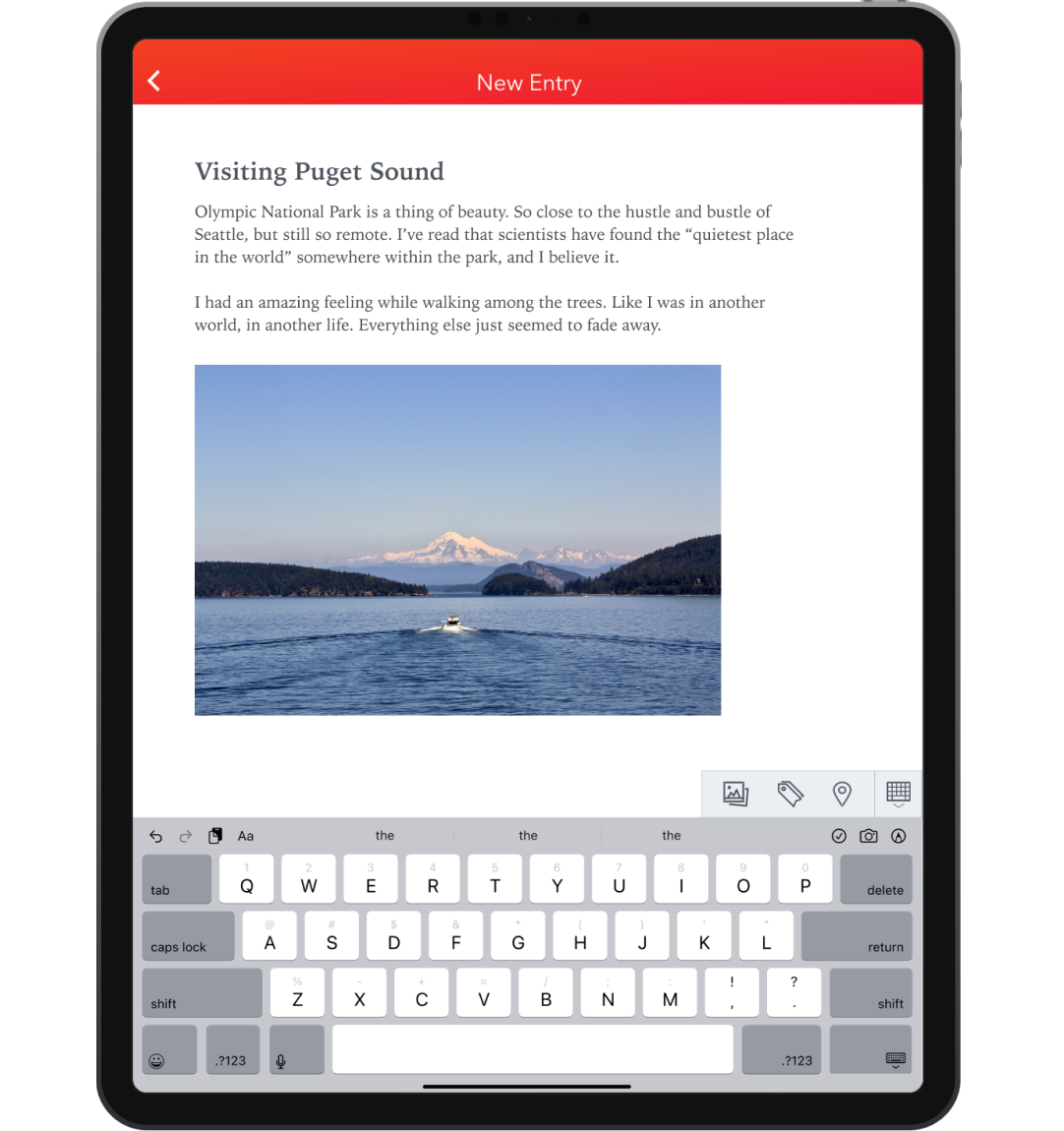
You can write in your journal when not at your computer with our iOS and Android apps.
Never worry about losing your work — Penzu saves as you type at your computer or on the go.
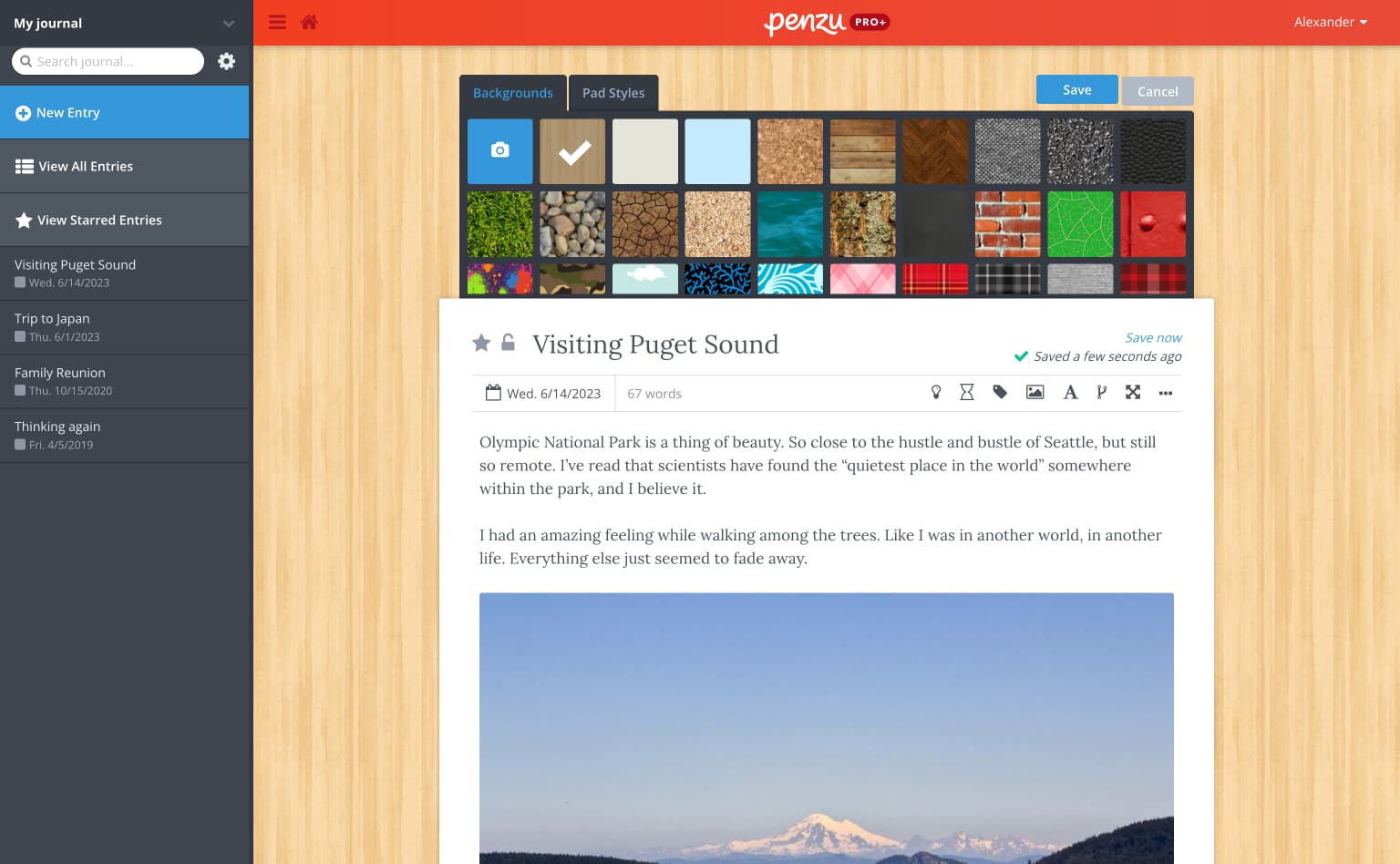
Choose different covers, backgrounds, fonts and more for each of your journals and entries.
Set daily, weekly or custom reminders to ensure that you never forget to write in your journal.
Enjoy unlimited devices, encryption, tagging, search, prompts, journal and entry locking, entry sharing and more.
Penzu was built specifically for recording your daily life in a reflective journal, keeping track of milestones in a food diary or pregnancy journal, or even recording your dreams in a dream journal — or just write freely.
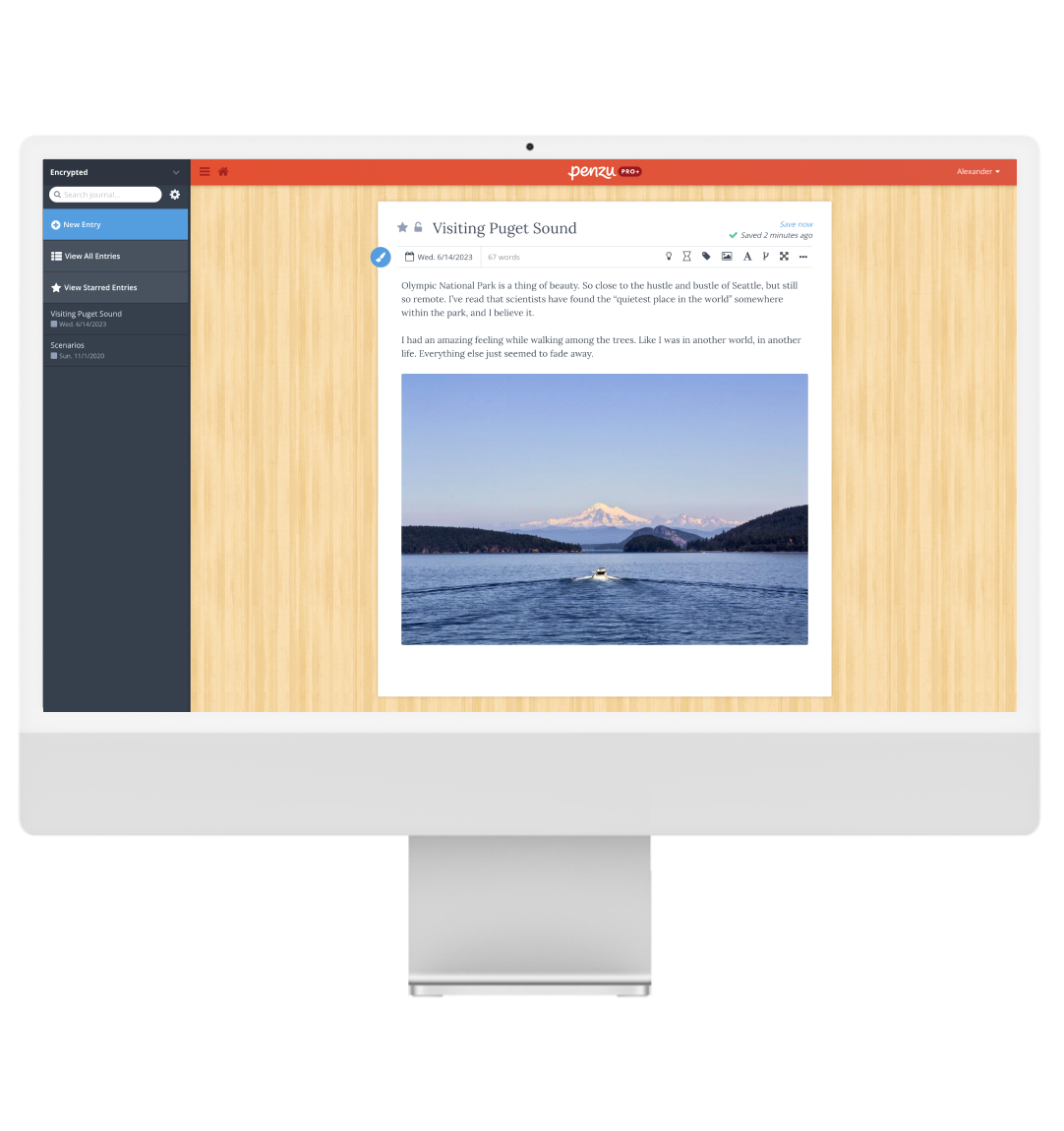
Unlike other platforms, Penzu works well on every device. You can write in any web browser or use our custom built apps for iOS and Android.
Even when carefully kept, paper journals can be read by anyone who happens upon them. Penzu keeps your journals safe with double password protection and military strength encryption so you can rest easy knowing that your entries are secure in the Penzu Vault.
@anafricandiva
I really love the emails Penzu sends me about my past journal entries. It's so good to see where I was then and where I am now.
Journaling is life-saving.


@thisismeihere
On rainy days, Headspace + Penzu are the best combo to tap back into that feeling wherever you are.

@sunoppositemoon
Going to get a work journal this week because I'm really so tired of wondering what happened with my day. I keep trying apps I don't like, but just going to invest in Penzu because I like it the best.
Journaling is a proven way to completely change your life, especially when you stick with it over time. Each time you write you'll get unparalleled clarity and life perspective.

Penzu is always free but our Pro plans offer more flexibility, customization, and features to maximize your journaling experience.
People who keep a journal report being happier and healthier. Read more about the benefits of journaling.